
Optimize Windows.
Designed for performance.
57+ tweaks, deep cleanup, health check scoring, process manager, and scheduled auto-boost — all in a modern, themeable interface with just one click.
Lifetime license for just €2.99 — Windows 11 Ready
Slow and bloated
Fix Windows. Optimize with Nexor
Windows accumulates bloatware, unnecessary services, and telemetry that degrade performance. Nexor Optimizer brings life back to your system with 57+ tweaks, deep cleanup, a health check scoring system, process management, and scheduled auto-optimization — all in a modern, themeable interface.
Performance
57+ system tweaks across essential, customization, and advanced categories. Quick presets for Standard, Gaming, Privacy, and more.
1-Click Boost
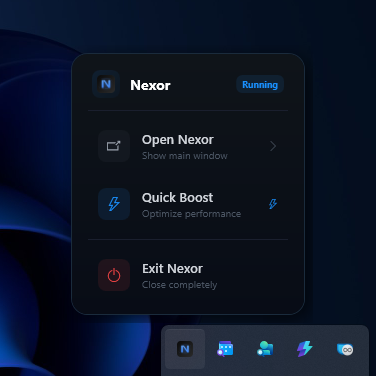
Instantly clean temp files, browser caches, flush DNS, and optimize memory. Runs from dashboard or system tray.
Privacy & Security
Disable telemetry, activity history, location tracking, Copilot, Bing search, and Edge data collection.
Why Nexor Optimizer?
Why choose Nexor?
A modern Windows optimizer with a real-time dashboard, 5 color themes, bilingual support, system tray integration, and a guided setup wizard. Everything you need for a faster PC.
Modular Fresh Install Pipeline
The Fresh Install Pipeline is currently under active development. When complete, it will offer two modes: Express (one-click 4-phase setup) and Custom Pipeline (drag-and-drop step ordering across Windows Updates, Driver Updates, Vendor Driver Scan, and System Cleanup) — for a fully personalized post-install experience.
Deep Cleanup
Scan and remove temp files, browser caches, prefetch, recycle bin, crash dumps, update cache, and more. 11 cleanup categories.
Process Manager
Monitor running processes with real-time CPU and RAM usage. Search, sort, and kill processes instantly.
Health Check
8-point system analysis: disk space, security, performance, startup items, drivers, updates, temp files, and network. Scored 0–100.
System Dashboard
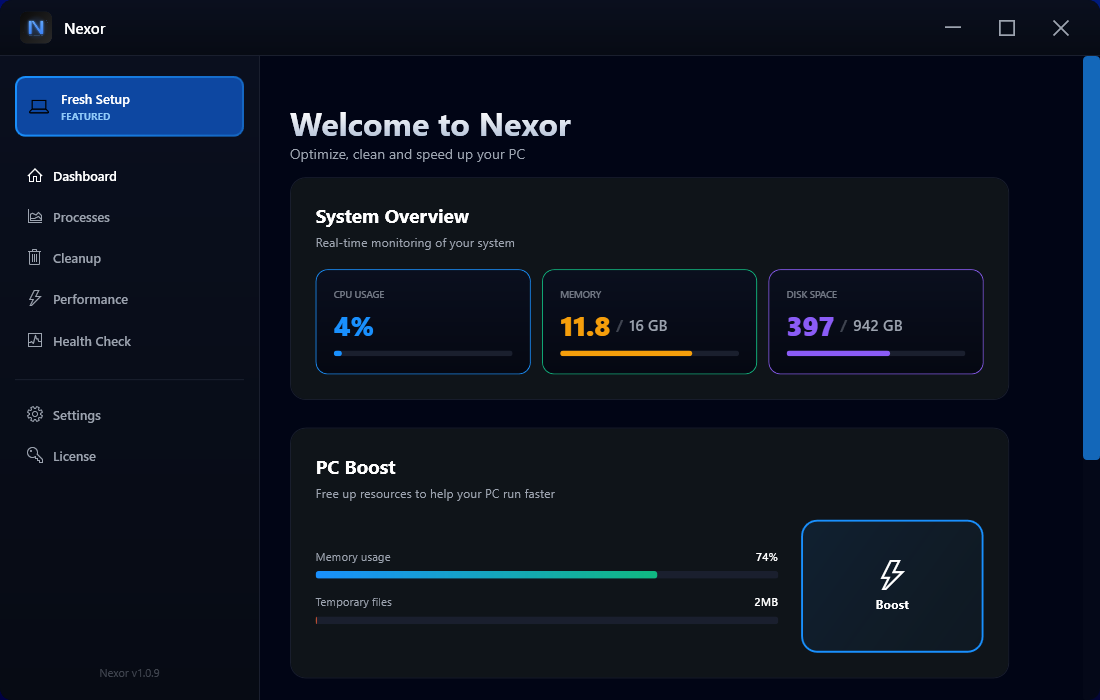
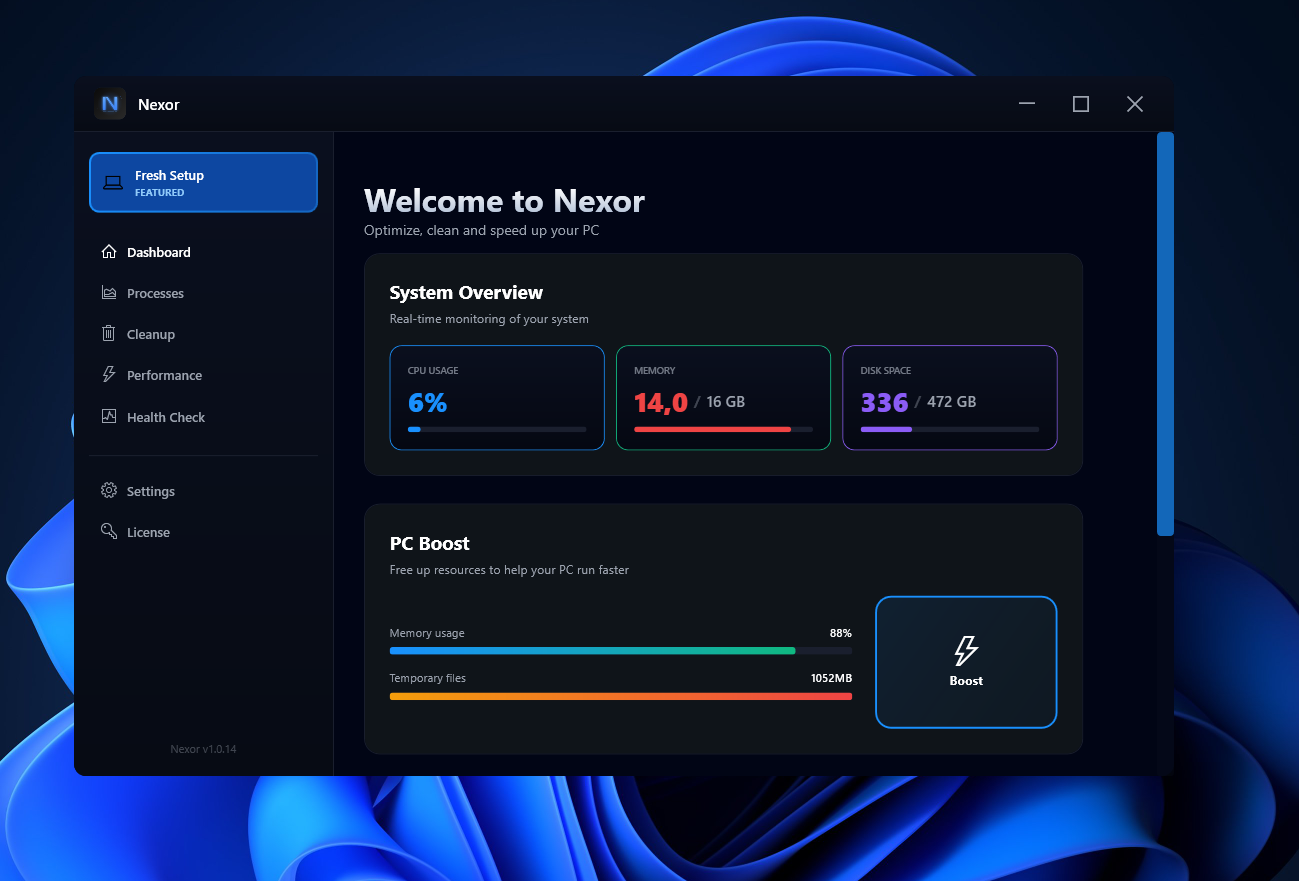
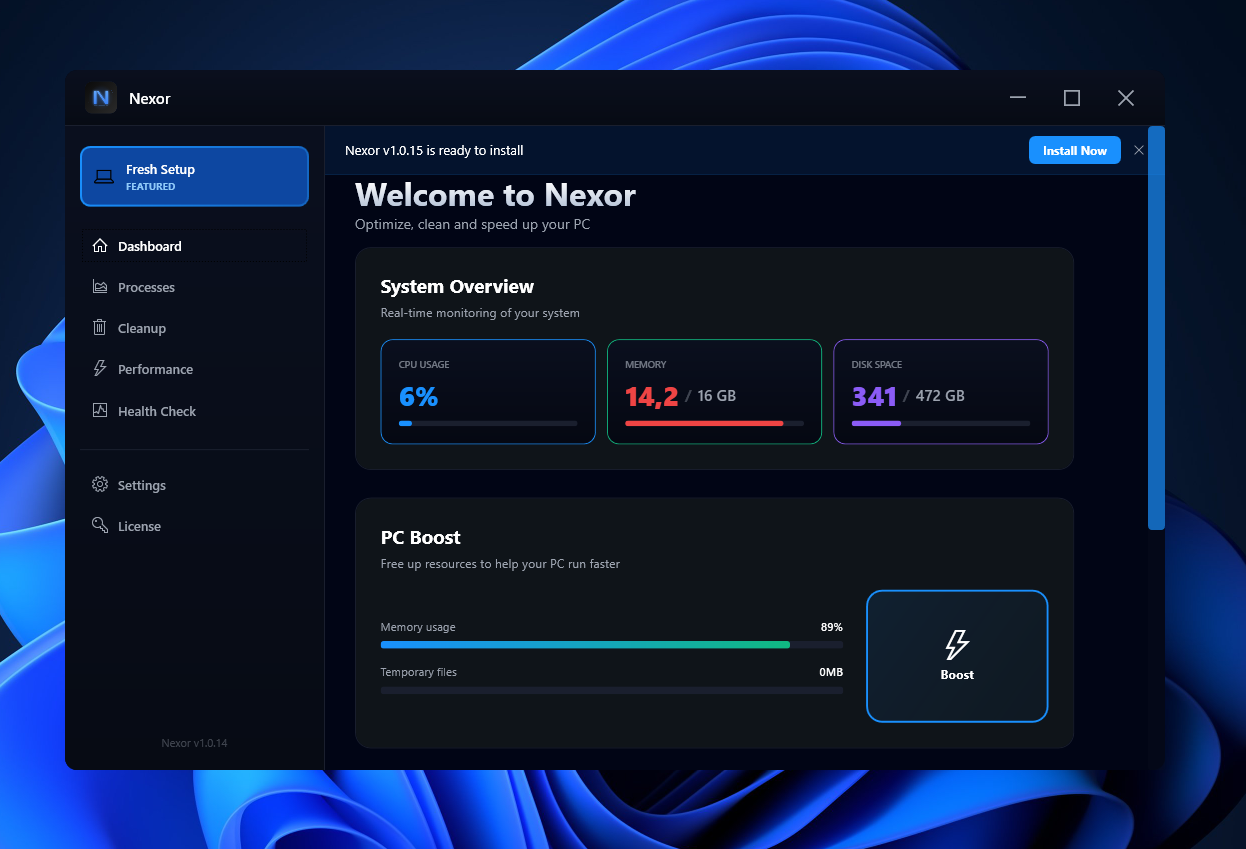
Live monitoring of CPU, RAM, and disk usage. Full system info — OS, processor, GPU, memory speed, and all drives.
Themes & Languages
5 color themes (Midnight, Ocean, Forest, Sunset, Purple), English & Portuguese support, and full UI customization.
Smart Auto Boost
Intelligent memory-driven optimization that monitors RAM usage in real time and automatically cleans when it hits your custom threshold — no schedules, no manual triggers.
Full Control
Every tweak is optional and reversible. Detect currently applied tweaks, undo changes, and create restore points.
Interface
A modern interface. Thoughtfully designed.
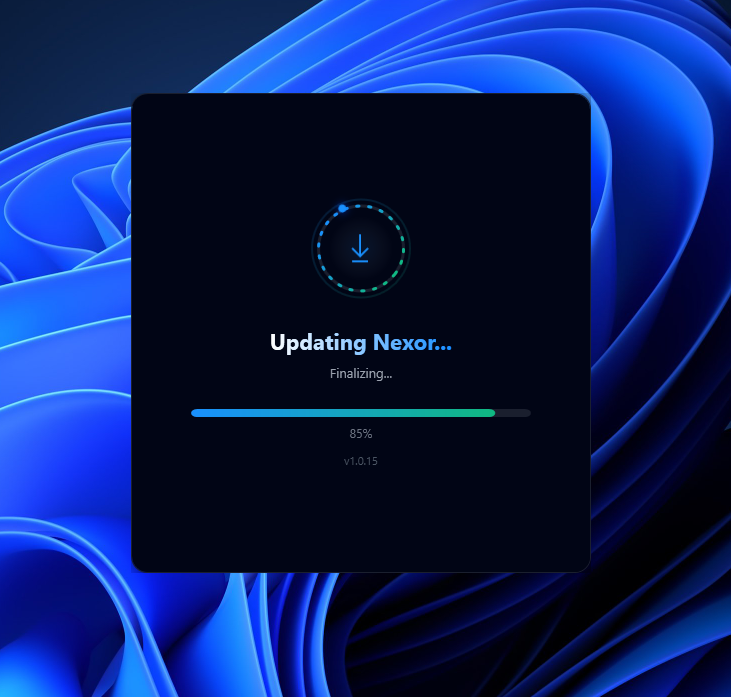
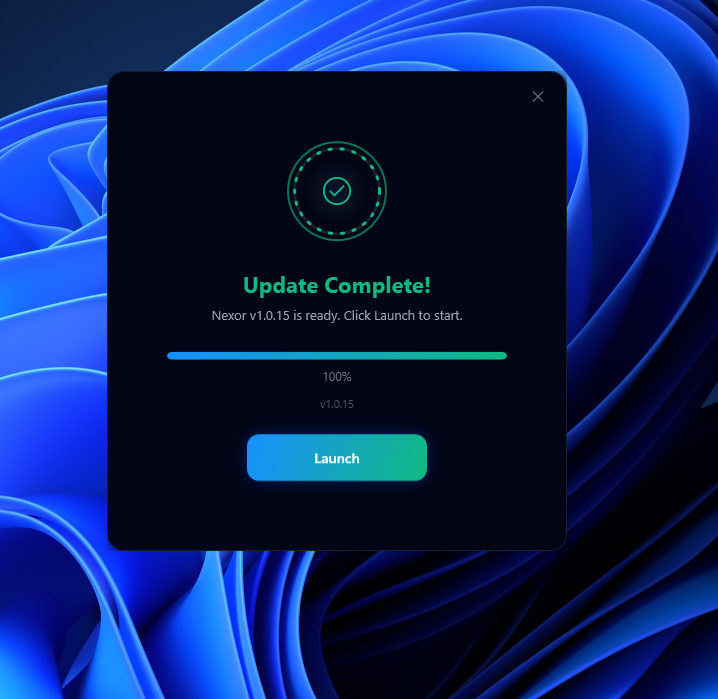
Built natively with WPF and .NET — Nexor delivers a fluid, dark-themed experience with real-time stats, on-demand updates, and deep system-level integration.
Get started
Ready to optimize your PC?
Download Nexor Optimizer and experience a faster, cleaner Windows in minutes. One-time purchase, lifetime updates.